
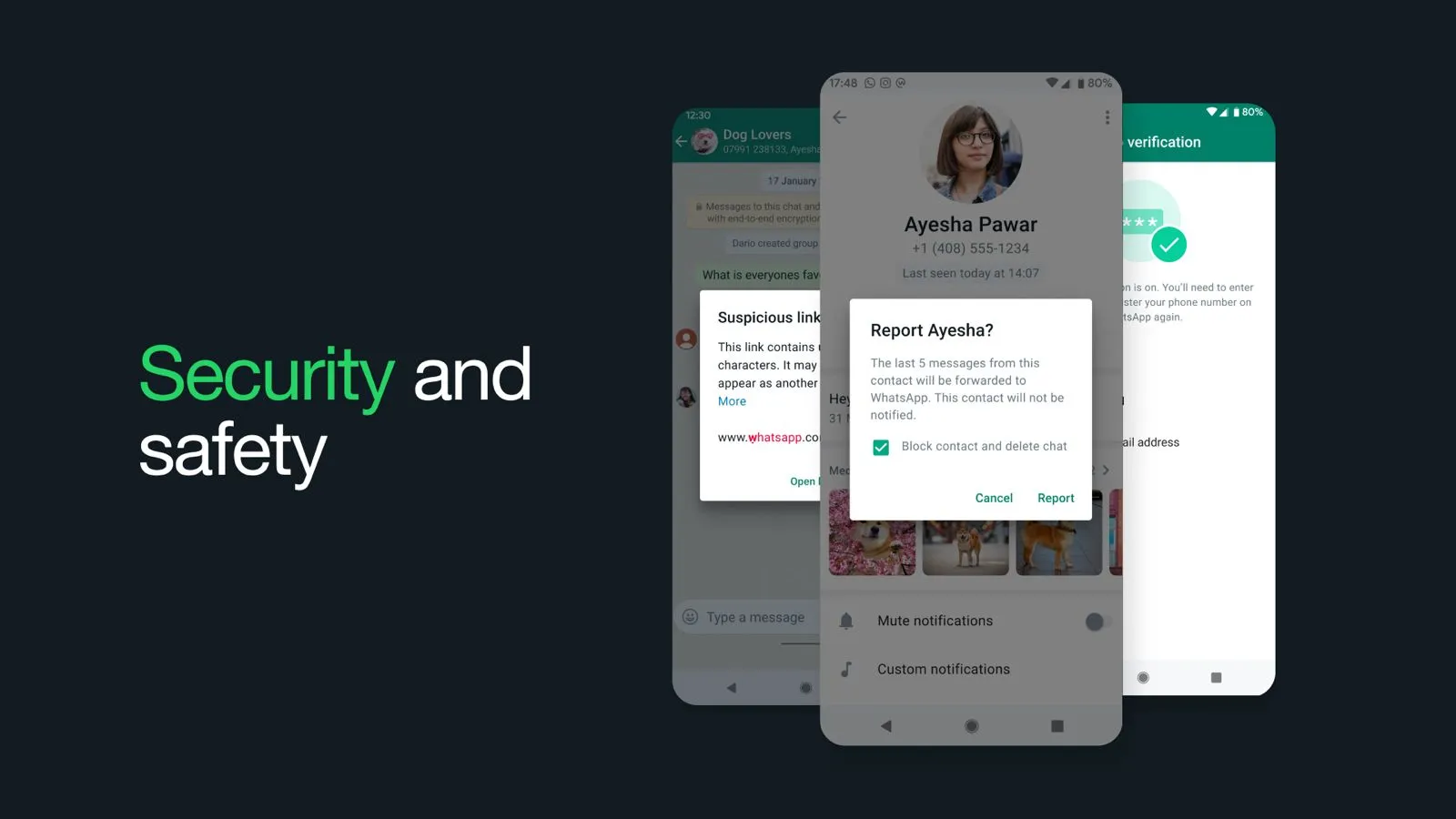
Messaging apps play a significant role in our daily lives, making privacy and security a top priority. GB WhatsApp, a popular alternative to the official WhatsApp, offers additional features and customization options that give users more control over their messaging experience. However, with these advanced features come certain security concerns.
To protect your data and enjoy GB WhatsApp safely, it’s essential to follow proper security practices. In this article, you’ll learn:
- Tips to enhance your GB WhatsApp experience
- How to set up robust privacy controls
- Ways to avoid common risks and threats
What is WhatsApp Privacy?
WhatsApp privacy refers to the measures taken to protect your personal information and chats. These include end-to-end encryption, two-step verification, and privacy settings that prevent unauthorized access or data leaks.
Why is Privacy and Security Important on WhatsApp?
Privacy is essential when using messaging apps that store our personal and professional data. Without adequate protection, sensitive information can be accessed by hackers or malicious third parties, leading to:
- Financial losses
- Identity theft
- Data breaches
- Compromised communication
Security Concerns with GB WhatsApp
GB WhatsApp is a third-party app that doesn’t follow the strict security standards of the official WhatsApp. Since it’s not available on the Google Play Store, it’s often downloaded from unofficial sources, increasing the risk of:
- Viruses and malware
- Delayed security patches
- Unclear privacy policies
- Potential data misuse
These vulnerabilities make it essential to take extra steps to secure your account.
How to Secure Your GB WhatsApp Account from Harmful Viruses
Protecting your GB WhatsApp account from threats is critical. The following steps can safeguard your identity, media, and messages:
Turn On Two-Step Verification
Enable two-step verification so that a code is required when logging in. Even if someone has your SIM or phone number, they can’t access your account without this PIN.
Check WhatsApp Encryption for Sensitive Chats
Verify encryption by opening a chat, clicking the contact’s name, and selecting the “Encryption” option to view the security code.
Turn On Security Notifications
Enable alerts to get notified if your contact’s security code changes—this could indicate that they reinstalled WhatsApp or changed devices.
Disable Cloud Backups
Cloud backups are not protected by WhatsApp’s end-to-end encryption. Disabling them minimizes the risk of third-party data leaks.
Hide WhatsApp Media from the Gallery
Keep your private media secure by turning off visibility in the gallery via the media visibility setting.
Logout of WhatsApp Web When Not in Use
Avoid staying logged into public or shared computers. Always log out from WhatsApp Web after each session.
Backup Your Data Securely
If you disable cloud backups, use encrypted storage devices or apps to manually back up your chat data safely.
Privacy Settings Management
Managing your privacy settings helps you stay in control of what others can see. GB WhatsApp allows you to:
- Hide your online status
- Disable read receipts
- Freeze last seen
- Hide typing and recording indicators
Be Careful with Third-Party Plugins
While third-party plugins can add new features, they also increase the risk of malware. Only use trusted plugins and avoid apps that ask for unnecessary permissions.
Secure Your Network
- Keep GB WhatsApp updated to patch known vulnerabilities
- Avoid using public Wi-Fi for sensitive chats
- Use a VPN to encrypt your connection for better protection
Avoid Mass Messaging
Using GB WhatsApp to send bulk messages can trigger spam filters and even lead to temporary or permanent bans. Use this feature wisely and only when necessary.
Check Unknown Links
Opening unknown links or downloading media from untrusted sources can introduce viruses to your device. Always:
- Verify the source
- Use antivirus software to scan files before opening
Regularly Update the App
Regular updates fix bugs and enhance security. Always install the latest version of GB WhatsApp to protect your data and enjoy new features.
Popular Tips To Protect Your Data on GB WhatsApp
- Use strong, unique passwords for both your device and the app
- Avoid sensitive conversations on public Wi-Fi
- Grant only the necessary permissions to the app
- Regularly review settings to ensure nothing has changed without your consent
How Do I Transfer My Conversations from Official WhatsApp to GB WhatsApp?
You can easily move your chats to GB WhatsApp by following these steps:
- Open WhatsApp and go to Settings > Chats > Chat Backup
- Select Backup Now and save it to local storage (not Google Drive)
- Install GB WhatsApp on your device
- Follow the setup process and choose the option to restore from the backup
- Your chats will be imported automatically into GB WhatsApp
FAQs
While GB WhatsApp offers more features, it lacks official security support and may expose users to risks.
Yes, you can run both apps on one device using different phone numbers.
Avoid spamming or using it for unsolicited messages, as this can result in your account being banned.
Conclusion
Your privacy and security should never be compromised, even with advanced messaging apps like GB WhatsApp. Although the app provides useful features and customizations, following security best practices like enabling two-step verification, managing privacy settings, and avoiding risky plugins can protect your personal information.
Start implementing these methods today and make your messaging experience safer and smarter.